Projects

Things worth building in the open.

A project can be active, paused, unfinished or abandoned. That is useful context, not a blemish to hide.

Available on the Omarchy marketplace

Less friction. Less to remember.

Three practical desktop tools built around the small things that interrupt the work.

Listings checked . Verification applies to a specific snapshot, not every later update. Marketplace verification is not a security audit.

Omarchy Briefing repository preview
Repository promotional artwork, not a UI screenshot.

Listed · Active

Omarchy Briefing

Understand what changed on your Linux desktop. Package updates explained, Omarchy news, and My Linux Changes: a private journal of installations and customisations, why they were made, and backup or undo notes.

Unverified for the current version

Read the build story ↓
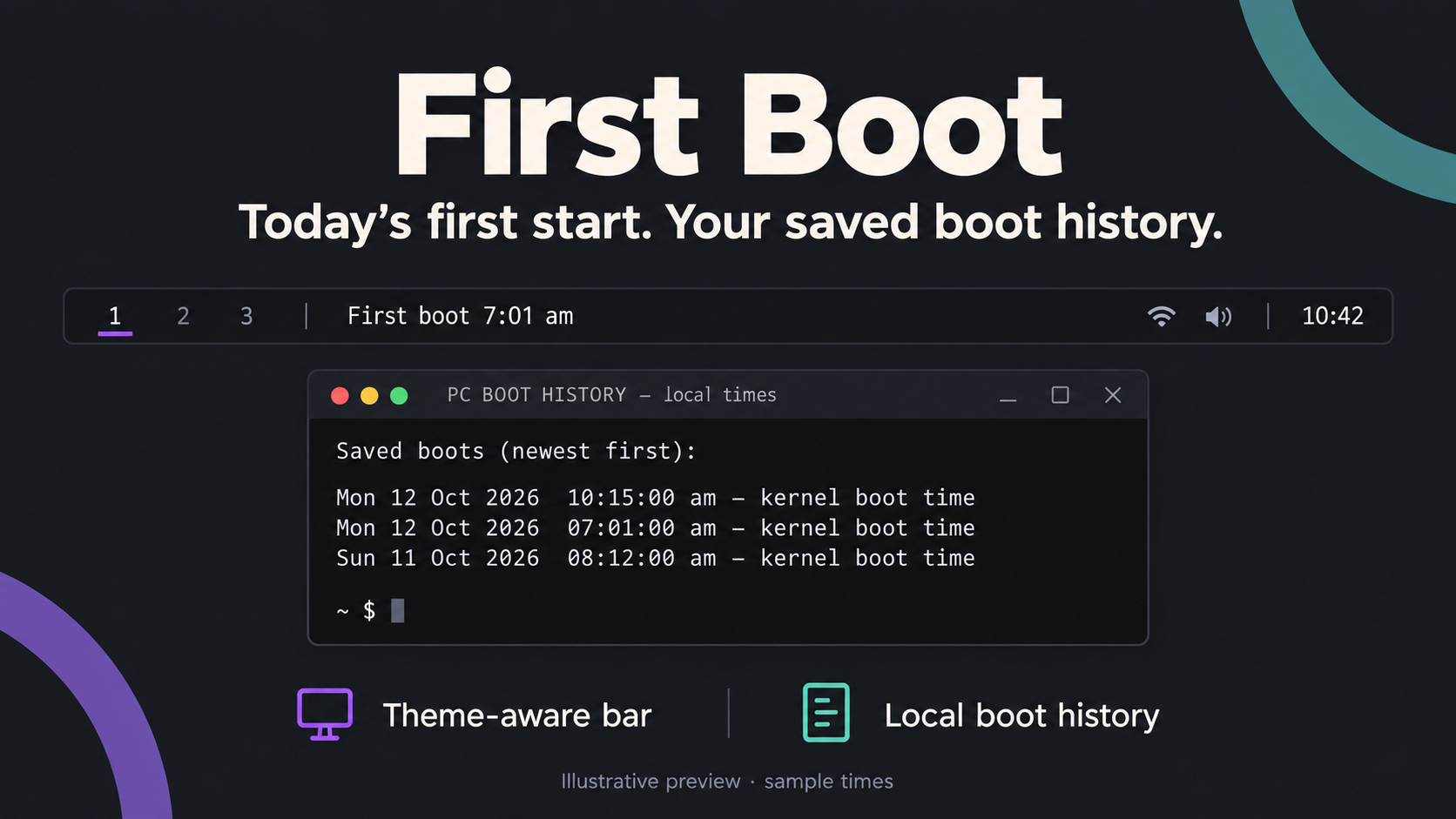
First Boot repository preview
Illustrative repository preview using fictional boot times.

Listed · Active

First Boot

See when your computer first started today, directly on the bar. Keeps that first-start time through later reboots and provides a persistent history of previous boots.

Requires the additional setup documented in its README. This records computer boots, not working time, login sessions or waking from sleep.

Verified snapshot · ca17c8784358

How First Boot started ↓
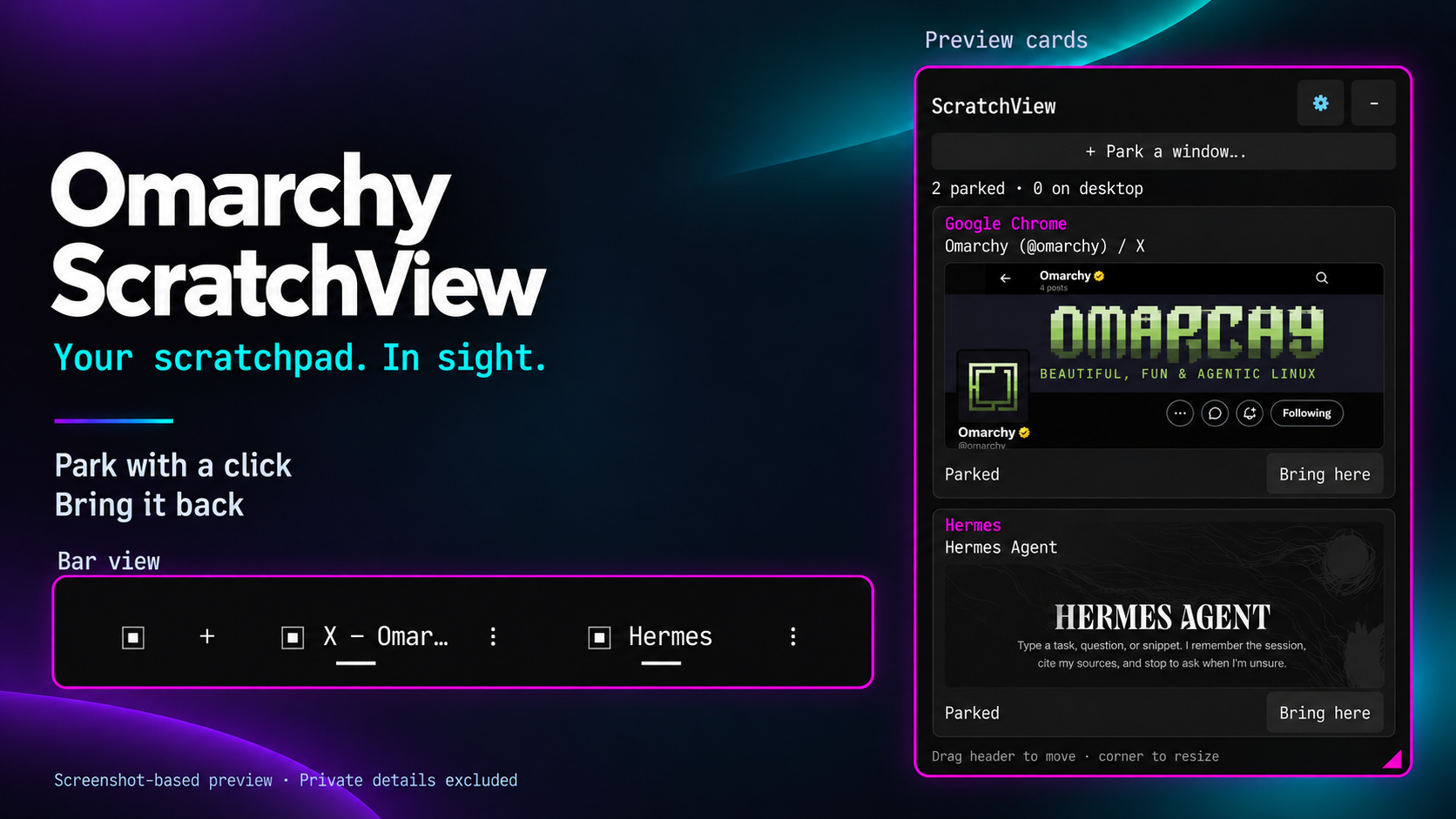
Omarchy ScratchView repository preview
Repository screenshot-based preview; private details excluded.

Listed · Active

Omarchy ScratchView

A visible, mouse-friendly scratchpad. Park windows, see their previews and bring them back without remembering keyboard shortcuts.

Choose a resizable floating panel, compact list or horizontal bar view, with clear controls for returning windows and dismissing cards without closing applications.

Verified snapshot · f058493dbead

How ScratchView started ↓

From the workshop

How Omarchy Briefing started

I recognised Cursor in an update list. Mise? I had to ask what it was.

That small memory gap became a bar plugin built with Codex: an update list that explains itself. The Lab records the experiment, everyday testing and first public release—and how My Linux Changes became part of it.

From the workshop

How First Boot started

On Windows, I used Event Viewer to check what time I’d turned on my PC. Starting the computer was part of my morning medication routine, so that timestamp helped me work back to when I’d taken my meds. Parkinson’s memory issues meant I would often forget.

First Boot grew out of that workaround. I wanted the first start of the day visible on my Omarchy bar, with a history I could check later, rather than having to dig through logs.

It’s a memory cue from my own routine—not a medication tracker or proof that a dose was taken.

From the workshop

How Omarchy ScratchView started

I would put a window in the scratchpad, then forget how to call it back. I also wanted to see what was in there, rather than having to remember that as well.

That became ScratchView: a visible place for parked windows, with previews and controls I can click. I wanted to see what I’d put aside and bring it back without having to remember a keyboard shortcut first.

Ongoing build · Hardware evaluation

Waveshare × Wired Differently

Building external memory for the desktop.

Hardware arrived / unboxing and setup next

Project update:

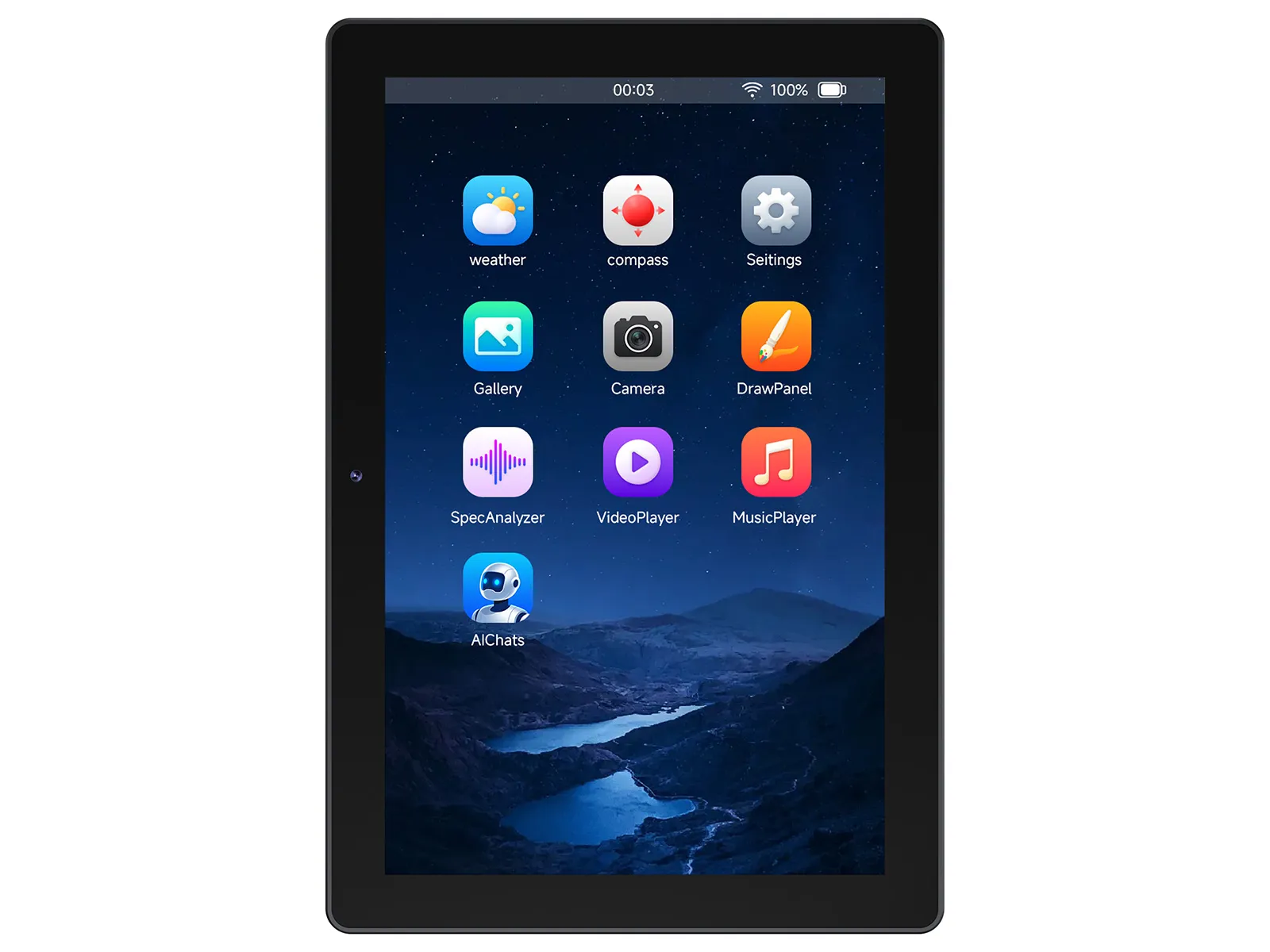
Waveshare 10.1-inch ESP32-P4 touchscreen showing the manufacturer's demonstration interface
Product image: Waveshare, used with permission. Manufacturer’s demonstration interface shown — not the Wired Differently build.

Less to hold in working memory

I’m working with Waveshare to explore whether a companion touchscreen can make my Omarchy desktop easier to use — and easier to return to after an interruption.

The display is not there because I cannot learn keyboard shortcuts. It is there because I should not have to keep holding them in working memory.

First on the bench

The Waveshare ESP32-P4-WIFI6-Touch-LCD-10.1 arrived on 1 October 2026. The first goal is deliberately small: one reliable screen showing time, connection and device status. Then I’ll build a useful shortcut and terminal-command reference beside the main monitor.

From there, I’ll explore plugin information, system status and a simple record of the current task and next action. Useful before clever.

Touch controls for the desktop and persistent AI/project context are possibilities to test, not working features yet. An aviation-style interface may come later, once the useful parts have earned their place.

What I’ll document

Setup, code, Omarchy integration, mistakes and changes of direction — including whether this actually reduces the small memory demands that interrupt a working day. Build notes and follow-up articles will appear here and on Wired Differently on Substack.

Next: document hardware discovery, first boot and connectivity, then build the first simple screen. Arrival is a milestone, not a working prototype or a verdict on usefulness.

Hardware disclosure: Waveshare supplied the initial evaluation unit. This is an ongoing real-world build, with findings to follow testing.

View the official device information ↗

Live experiment

First Steps

Live early experiment. It keeps entries on the device, produces a printable discussion record, and does not diagnose anything.

Try First Steps
What it is testing
Can a private, browser-based tool help someone turn half-noticed Parkinson's symptoms into a calmer, better-prepared clinical conversation?
Where the working notes live
Read the Lab record

The wider work

Projects with their receipts attached.

Each project points back to the writing and Lab work that explains why it exists.